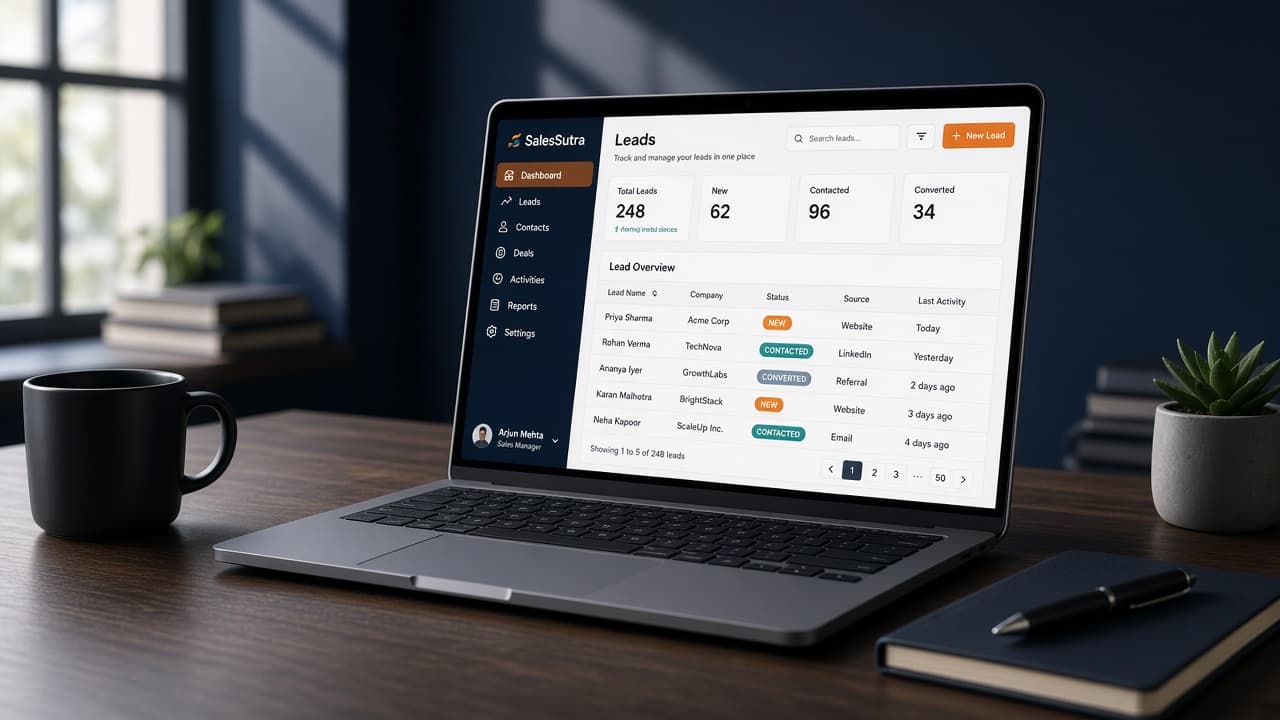
SalesSutra CRM on a laptop in a modern sales workspace

SalesSutra CRM

Sell with one workspace. Scale across every tenant.

Lead pipelines, Dialog calling, Customer Connect, and analytics — each company gets branding and menus that match how they sell.

Multi-tenant

Separate workspaces, branding, and menu access

Sales-ready

Leads, assignment, scripts, catalogue, pulse

Voice + data

Dialog calling with CRM context and analytics

Everything your sales org actually uses

SalesSutra is not a thin contact book. It is an operational CRM for assignment, enablement, calling, conversion, and reporting — licensed feature-by-feature per tenant.

Lead pipeline & smart assignment

Capture leads from websites, chatbots, imports, and integrations. Attendance-aware round-robin assigns work to available executives with language and skill matching. Track ownership, follow-ups, visits, and status from NEW through CONVERTED.

  • Auto + manual reassignment
  • Lead sources & visit types
  • Notes, interactions, and email to leads
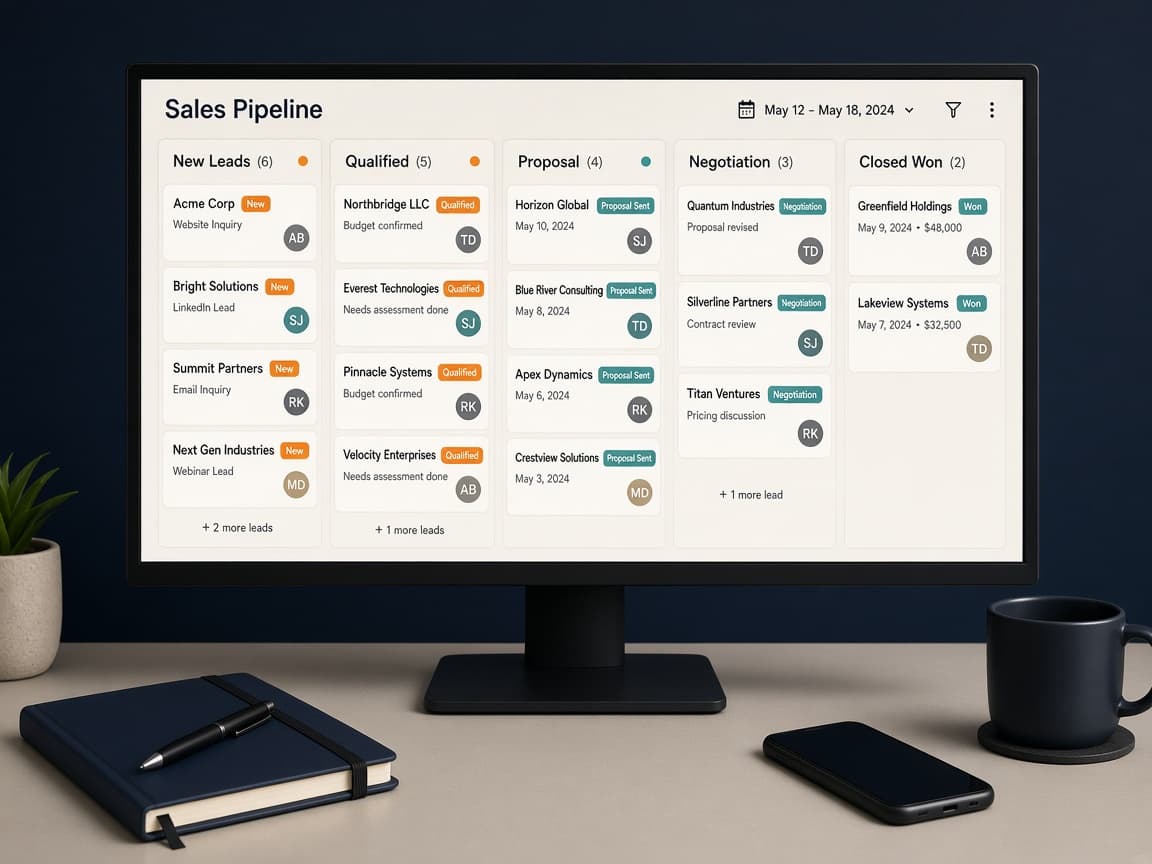
Sales pipeline board with lead cards across status columns on a desk monitor

Dialog AI calling

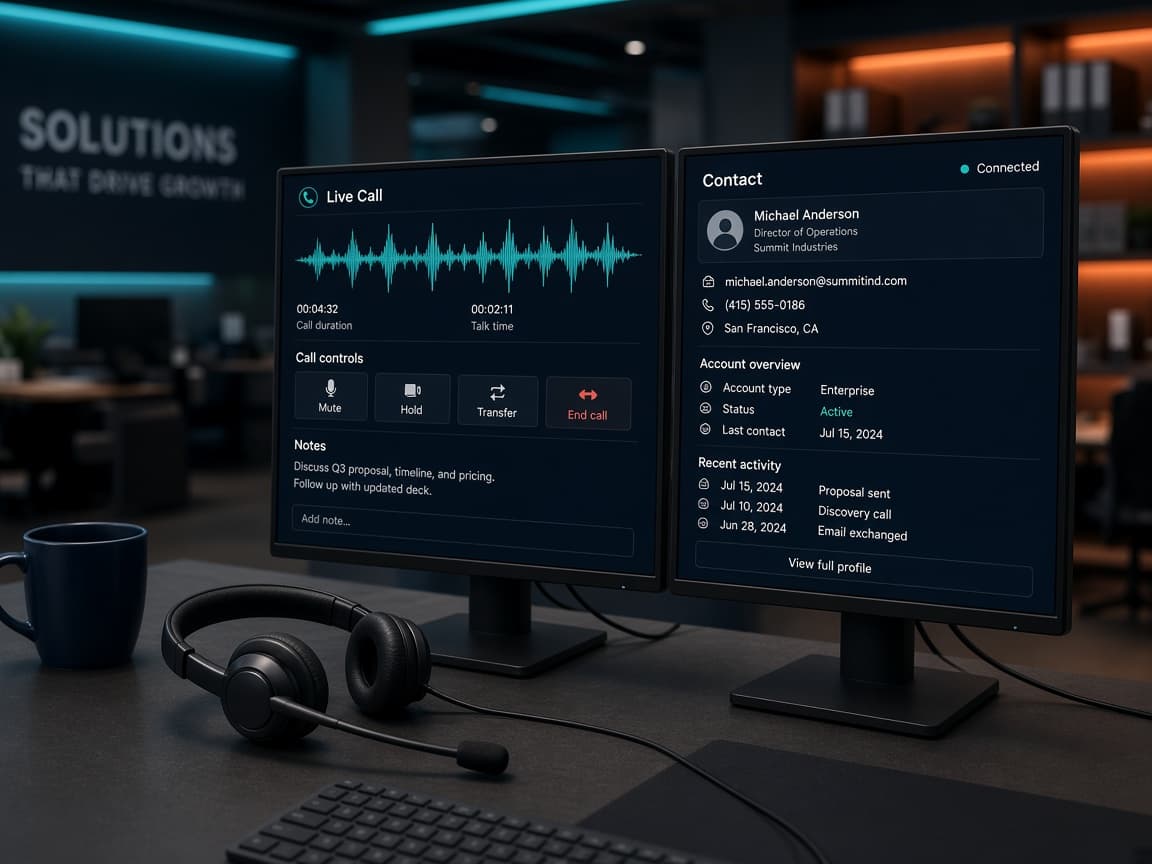
When Dialog is enabled for a tenant, run live calls, campaigns, call history, and Dialog team settings from the same CRM. Route and transfer with real availability — not a separate dialer silo.

  • Live call console
  • Outbound campaigns
  • Agent availability & transfer
Sales agent headset and monitors showing a live Dialog call console

Analytics, orders & operations

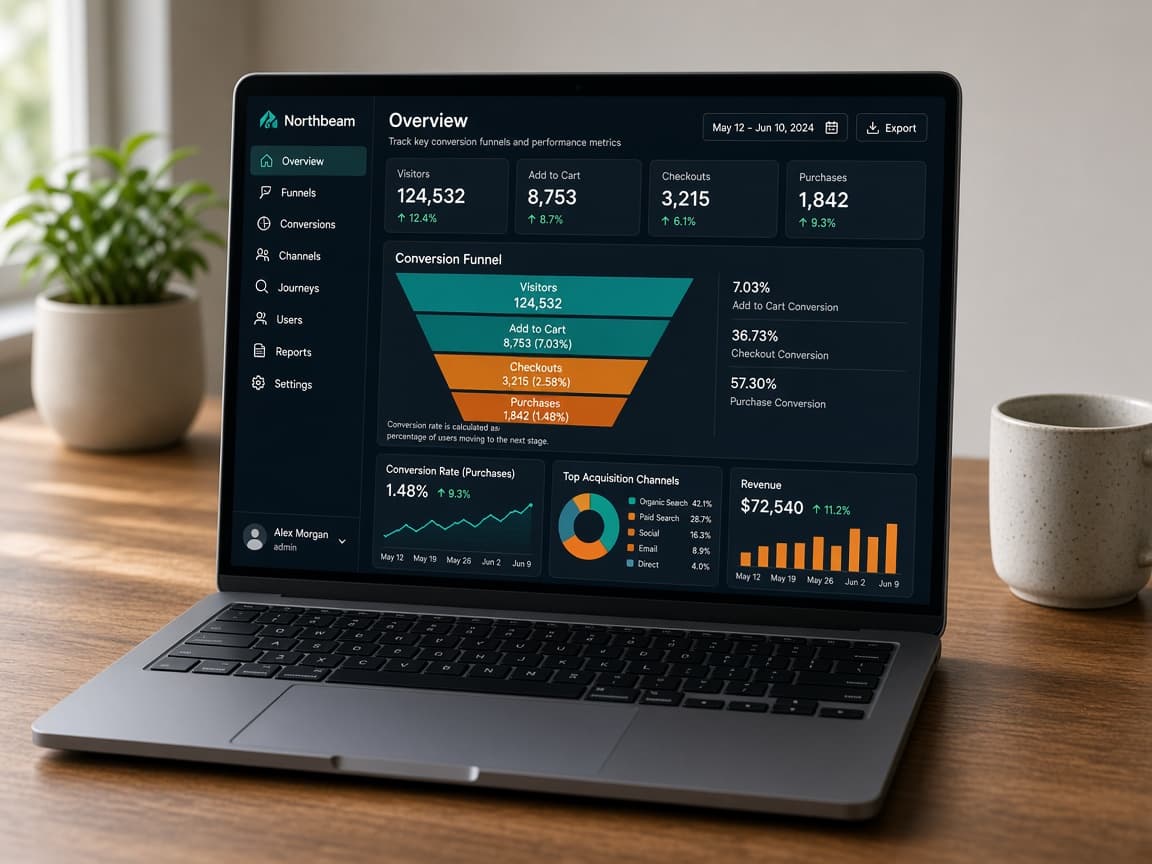
See funnel and attribution analytics, keep an activity audit trail, manage post-sale orders when Commerce is on, and run automations or ingestion when your workspace needs them.

  • Funnel & source analytics
  • Orders & commerce hooks
  • Automations & integrations
Laptop showing SalesSutra analytics funnel and conversion charts

More built for day-to-day selling

Enable only what each tenant needs from Super Admin Menu Access — the same tree appears in their sidebar.

  • Customer Connect

    Catalogue, sales scripts with compliance tracking, and shared Additional Info assets so every pitch stays consistent.

  • Customers & lifecycle

    Convert leads to customers, schedule lifecycle follow-ups, and keep post-sale continuity visible to the team.

  • Customer Pulse

    Optional tiered re-engagement for lost leads — hot lists, recycle flows, and localities when that tenant needs them.

  • People & attendance

    Users, teams, RBAC roles, and check-in status (AVAILABLE / BUSY / BREAK) that actually gates assignment.

  • Per-tenant branding

    Logo and brand colors per company workspace, with Menu Access so each tenant only sees the modules they use.

  • Multi-tenant platform

    Super-admin console for tenants, SMTP, integrations, and Dialog platform controls — one product, many workspaces.

Frequently asked questions

Straight answers for search, assistants, and your sales ops team.

What is SalesSutra CRM?
SalesSutra CRM is a multi-tenant sales CRM by NMC Tech. It covers lead pipelines, team assignment, Customer Connect enablement, optional Dialog AI calling, orders, analytics, and per-tenant feature menus.
Who is SalesSutra CRM for?
It is built for organizations that run multiple sales teams or client workspaces and need one platform with separate branding, menus, and data per tenant.
Does SalesSutra include AI calling?
Yes. Dialog AI calling (live calls, campaigns, team, and settings) can be enabled per tenant from the platform Menu Access controls.
How do I sign in?
Use your company workspace login at the Sign in page. New tenants are created by a platform administrator.

Your workspace is ready when you are

Sign in with your company account. Need a new tenant, SMTP, or Dialog enabled? Ask your NMC Tech platform admin.

Go to workspace sign in